To redeem Idealpos Engage Coupons:
Customer scans their barcode from the digital wallet app.
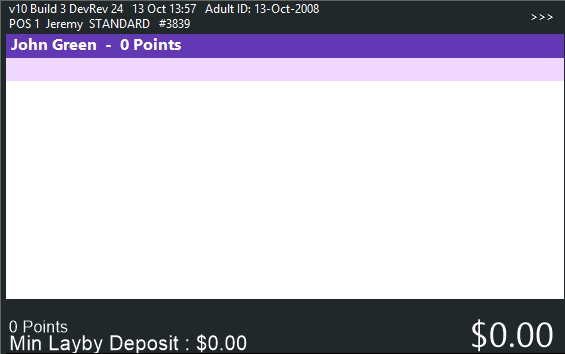
The POS Screen shows the Customer Name.
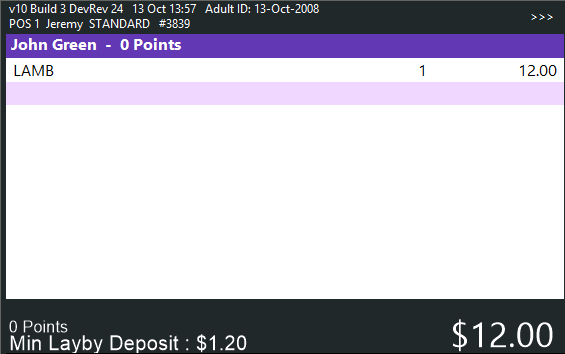
The Clerk adds the required items to the sale.
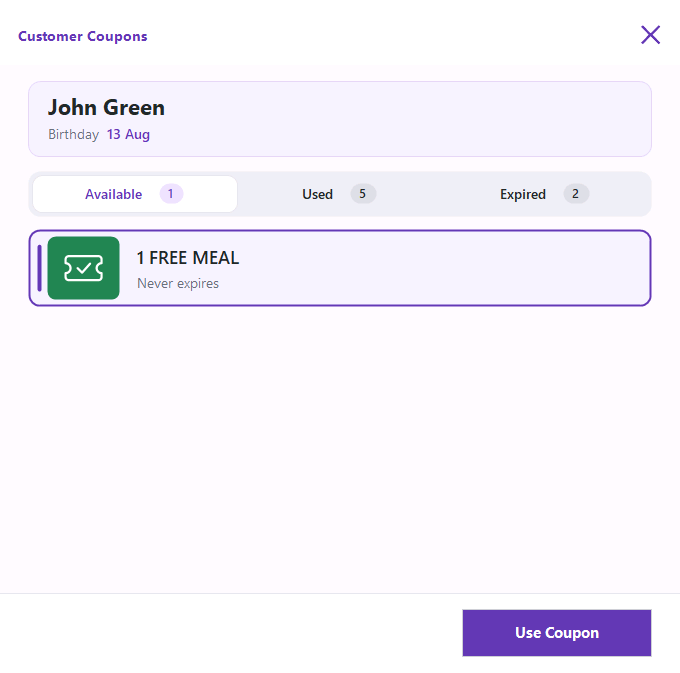
The Clerk presses the "Customer Coupon" button which will display a list of Idealpos Engage Coupons available to the customer > Select the required Coupon > Use Coupon.
The Idealpos Engage Coupon is applied to the sale using the discount from the corresponding Idealpos Coupon Promotion.
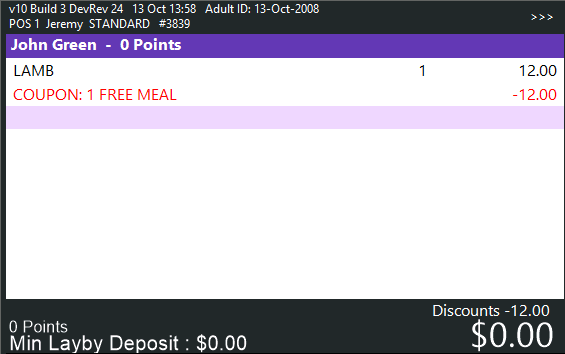
Tender and finalise the sale.
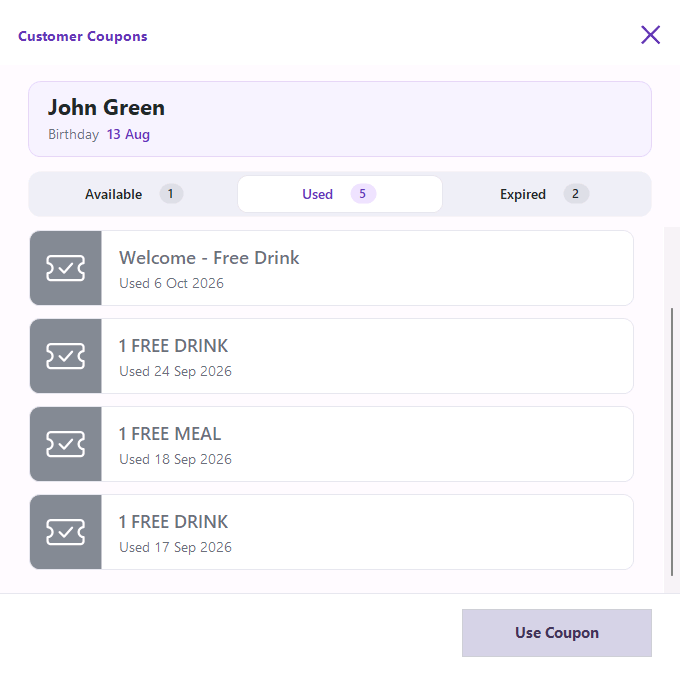
After the Coupon is redeemed by the customer, it will be moved from the Available tab to the Used tab, preventing that customer from redeeming it again.
The next time the customer is added to the sale, and the clerk presses the Customer Coupons button, the Coupon will appear in the Used tab.